Free for coaches, consultants & creators
Stop guessing which AI tool to use.
Get your free AI Roles Map.
Answer two plain-English questions and see exactly which AI tools fit the work you actually do. No tech background needed.
- Matched to your business, not to a generic “top 50 AI tools” list
- Your personal AI stack, saved and ready every time you log in
- Plain-English guides for every tool, reviewed by AI power users
- Smart Stack Weekly, practical ideas in your inbox with no hype
Free forever · No credit card · Takes a couple of minutes
One moment…
You are signed in as . Your AI Roles Map is waiting for you.
Open my AI Roles Map → See what Smart Stack + addsWe could not reach sign-up from this page just now. Create your free account on the app instead — it is the same account.
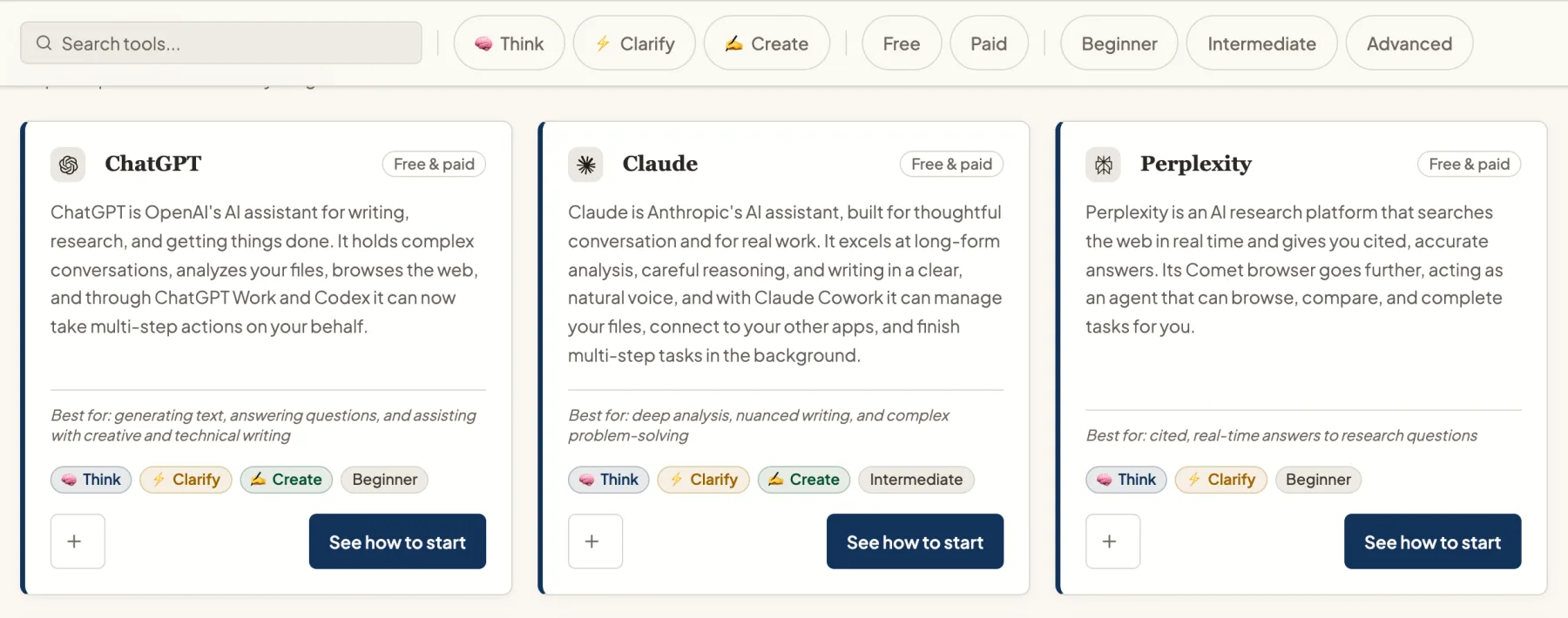
A peek inside
Every AI tool, explained in plain English.
What it does, what it is best for, and whether it is a Think, Clarify or Create tool, so you can tell at a glance if it belongs in your stack.
Sound familiar?
There has never been a shortage of AI tools…
You have signed up for the free trials and watched the tutorials, and you still open a blank chat window and think, now what?
- Fourteen tabs open, and no idea which one to use for which task
- Subscriptions charging you for tools you have only touched twice
- Great advice for engineers, none of it written for how you actually work
Clarity comes before tools. Learn which AI to use first, then put it to work.
How it works
Two questions. Your right tools.
-
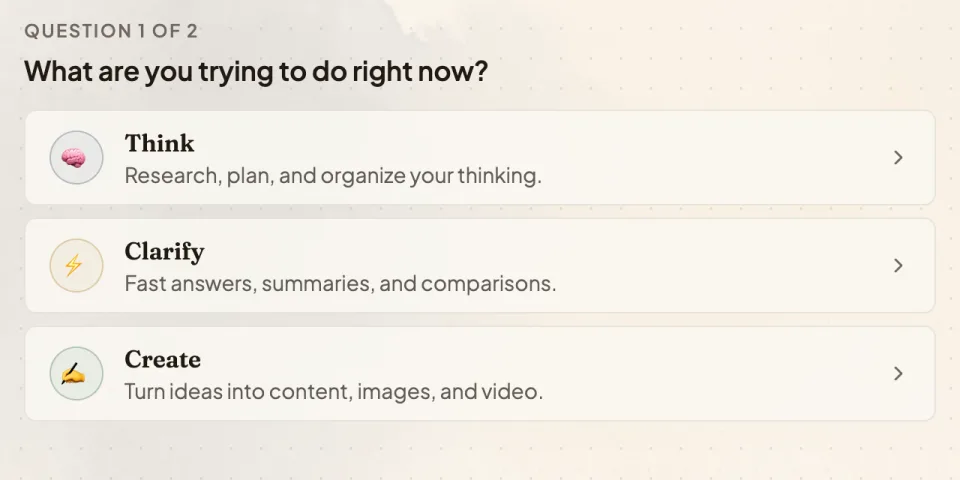
Tell us what you are doing
Pick what you are trying to get done right now: think it through, get a quick answer, or create something.
-
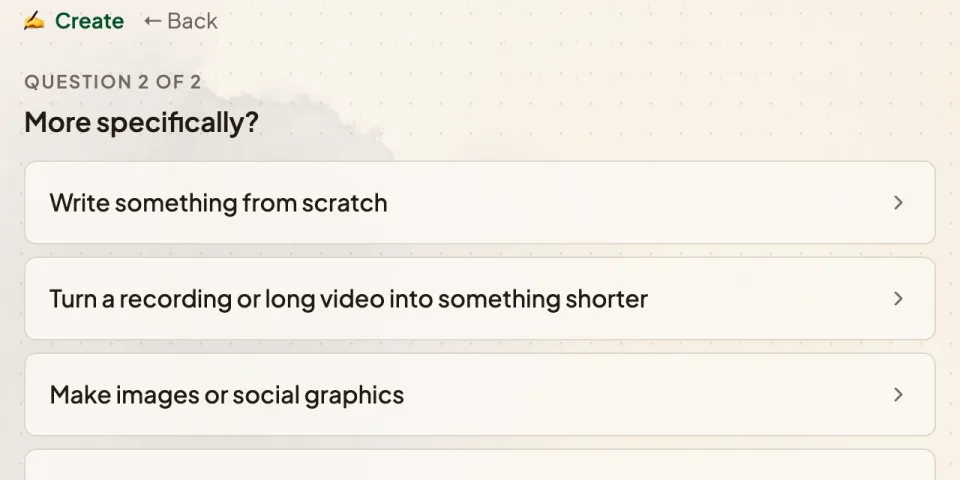
Get specific
One more question, in plain English, about the actual job in front of you.
-
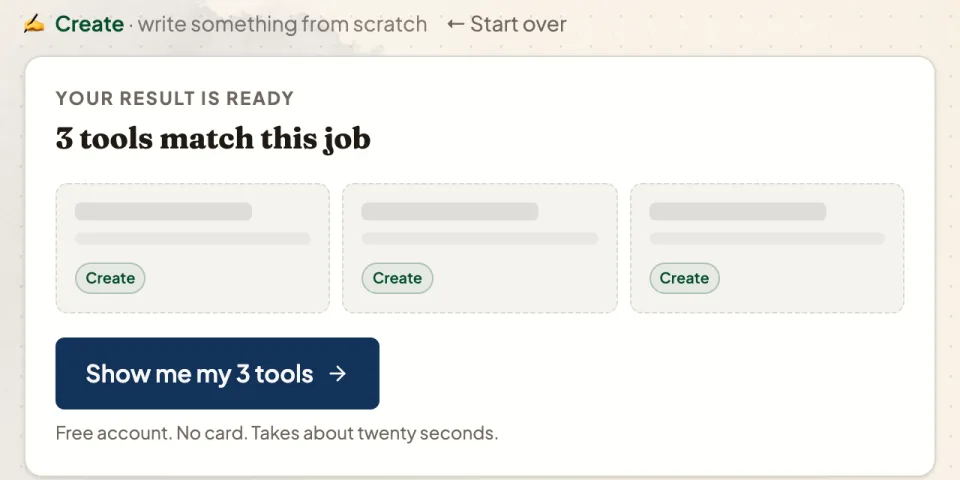
See the tools that fit
The AI Roles Map shows the tools that do that job well. Save them to your stack, each with its own guide.
Absolutely free, forever
Everything you get with your free account.
The AI Roles Map
Match what you are trying to do to the tools that actually do it well, in two simple questions.
Curated tools
Every tool is reviewed by AI power users, with guides written to help you actually get things done.
Your personal stack
Save the AI tools that fit your business. Every time you log in, your stack is ready to go.
Resource Center
Vetted non-AI tools and resources to help run your business, each with a quick start guide.
Filter tools by task
Every job comes down to three core tasks: Think, Clarify or Create. Filter by the one in front of you.
Smart Stack Weekly
Practical ideas in your inbox every week. No fluff, no hype, no computer science degree required.
Start here and get the help you need.
Create your account and everything above is yours straight away.
Questions before you start
Is it really free?
Yes, and there is no catch. The AI Roles Map, the tool profiles, your saved stack and the Resource Center are free and staying free. No credit card is asked for.
I am not technical. Is this going to be over my head?
Not at all. If you can write a text message, you can use this. Everything is in plain English, and nothing is written for engineers.
What is Smart Stack +?
An optional $19 a month membership that adds a guided companion app for every major AI tool: Claude, ChatGPT, Gemini, Gemini Notebook and Perplexity. You will see it once, straight after you sign up. It is entirely up to you, and the free account is yours either way.
Does it include the AI tools themselves?
No. Claude, ChatGPT and the other AI tools bill you directly, and many of them have free plans. Your Smart Stack tells you which ones are worth your time.
Get started today